Calendar, 24/7 online booking, membership passes, client profiles, and financial reports — all in one Windows app. One-time license payment, no subscription.
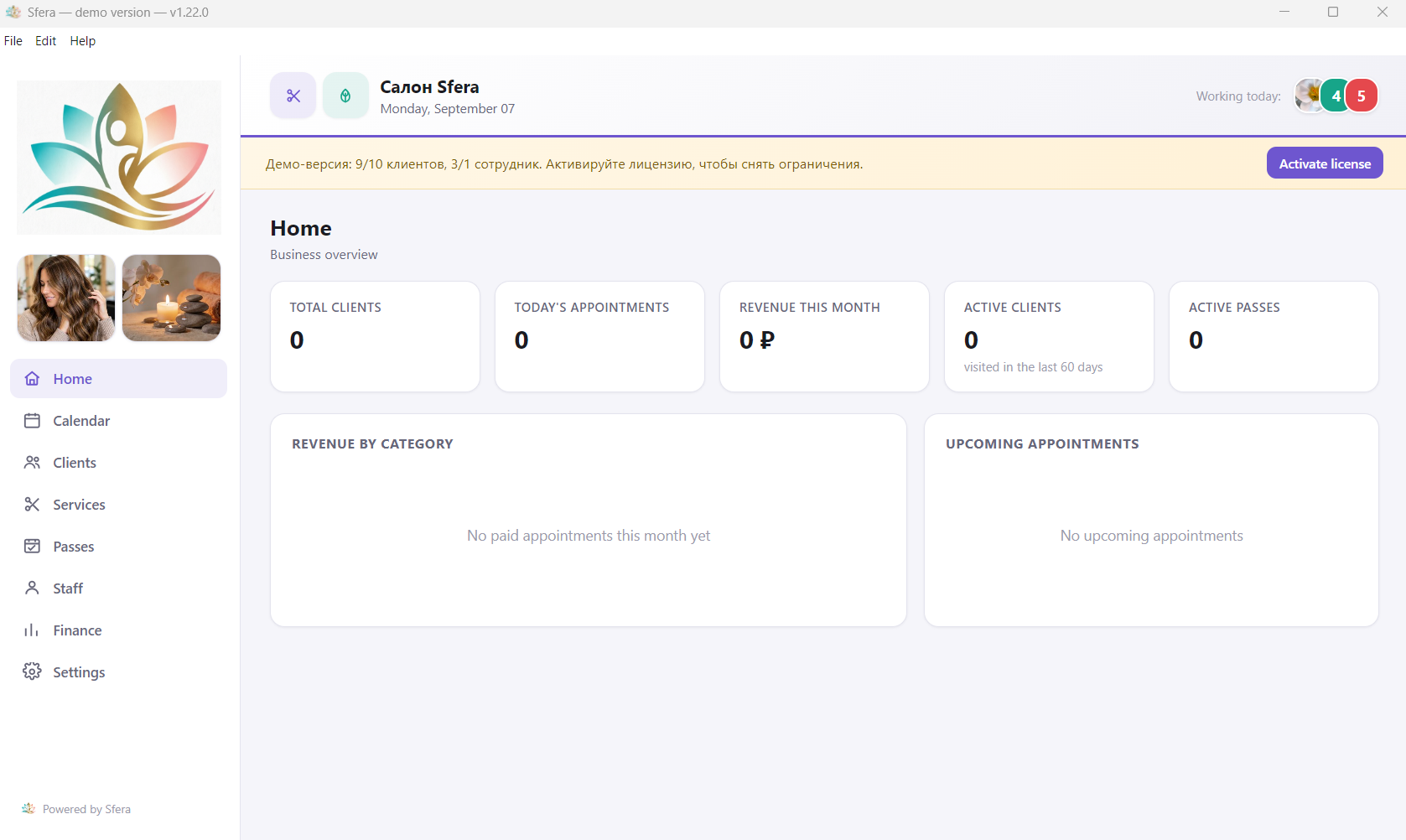
From the calendar to financial reports — without a dozen extra tabs and subscriptions to juggle.
By staff member, by day, week, or month. Right on the appointment block, see whether it's been paid — no need to open it. Reminders for clients by email, Telegram, or MAX.
A dedicated web page where clients pick the service, staff member, and time themselves. Requests land straight in the calendar.
A fixed number of visits or an unlimited pass for a period. Visits are deducted and refunded automatically.
Last visit, service, and client status — new, active, or inactive — visible right in the list.
Printable reports filtered by staff member, client, service, and period, with profit after all expenses. One-click export to Excel — for your accountant or your own spreadsheets.
Rent, supplies, advertising — one-off or recurring entries. Staff payout — fixed salary and/or a percentage of what they bring in, calculated automatically.
A client's personal discount applies itself on every new booking — no manual math.
Revenue on the dashboard and the Finance section are hidden from casual view and unlock only with a code, auto-locking after a set period of inactivity.
Your own logo instead of Sfera's, light or dark theme, several business types at once.
A regular weekly schedule, a rotating shift cycle (3 on/3 off, 2 on/2 off, or any other rhythm), or fixed dates and times for staff with another job — each staff member set up independently.
Receive, write off, and auto-deduct materials per service — expenses show up in Finance automatically, no separate paper log needed.
Switching from another program? Upload an Excel/CSV file with your clients — Sfera helps match the columns automatically.
Each industry has its own service catalog and a dedicated details page.
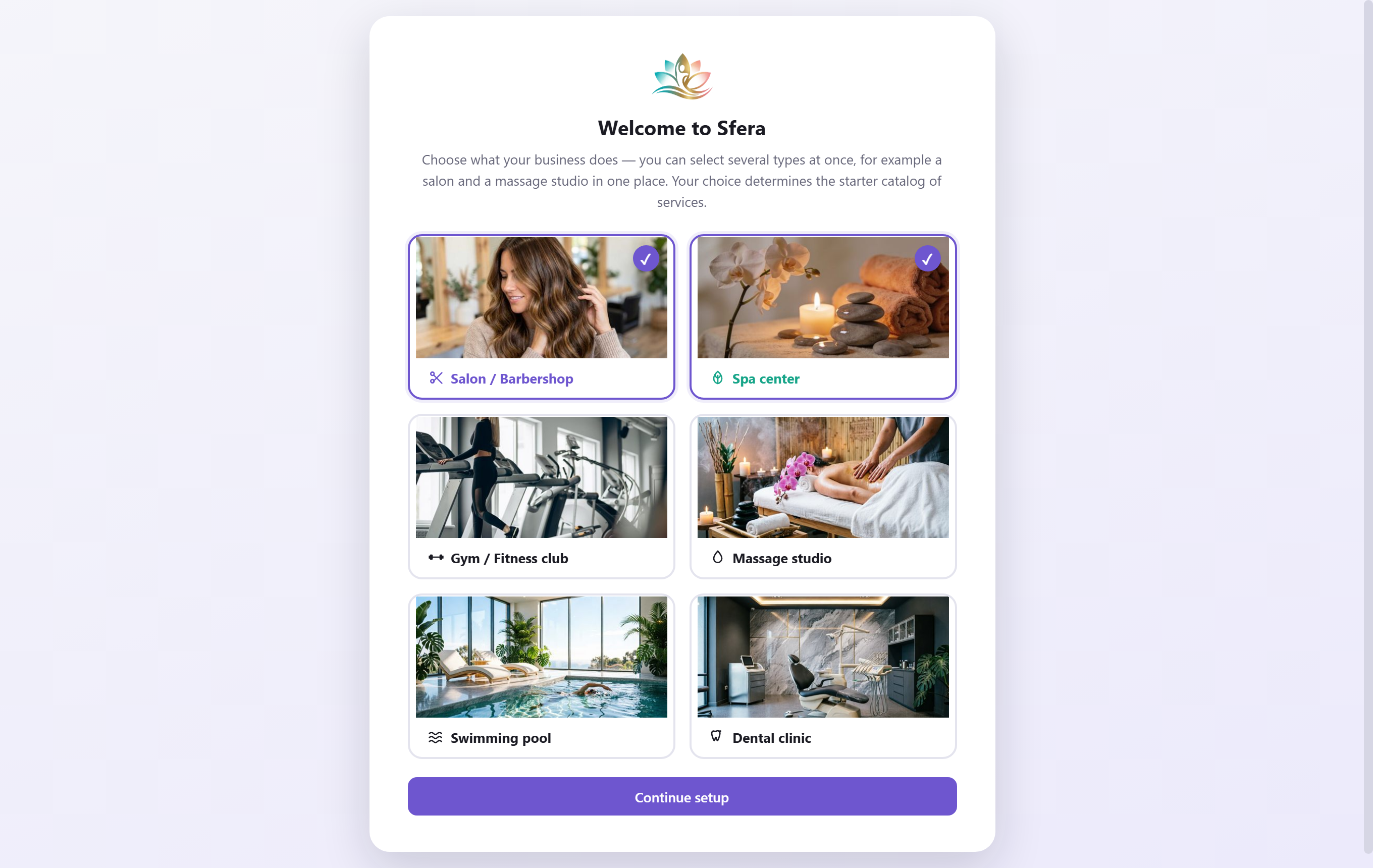
On first launch, the app asks what your business does — and picks a matching service catalog automatically. You can fine-tune everything from there.
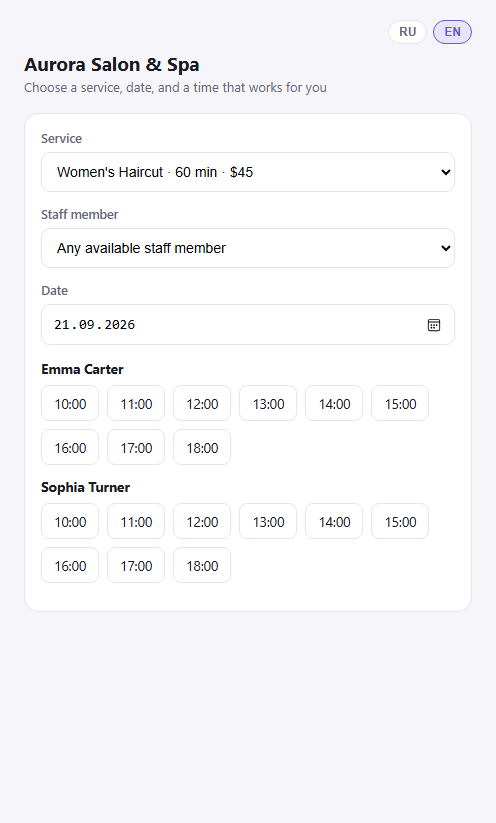
A dedicated web page for your business: clients pick the service, staff member, and time themselves, no calling or messaging an admin. The request lands straight in the shared calendar.
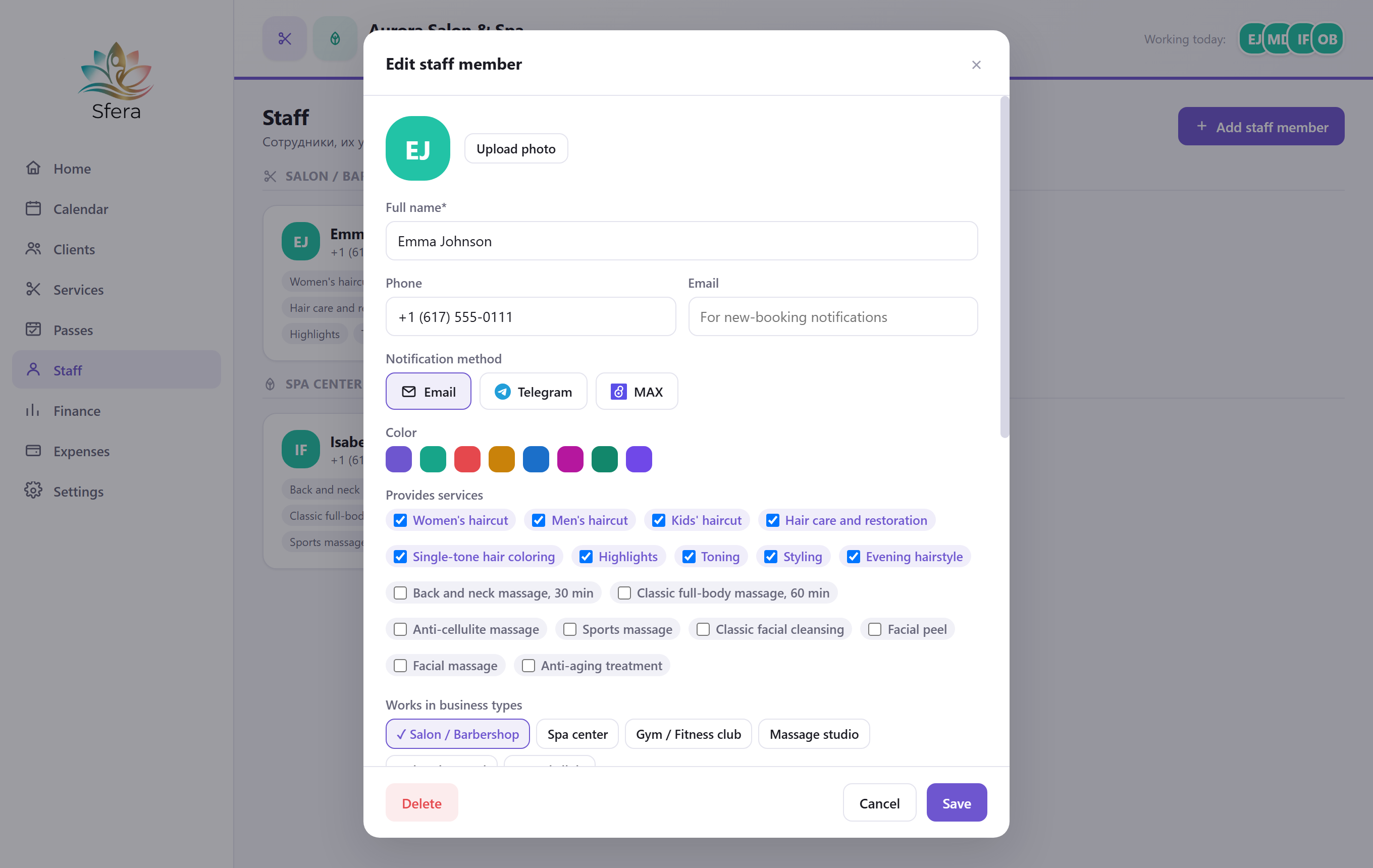
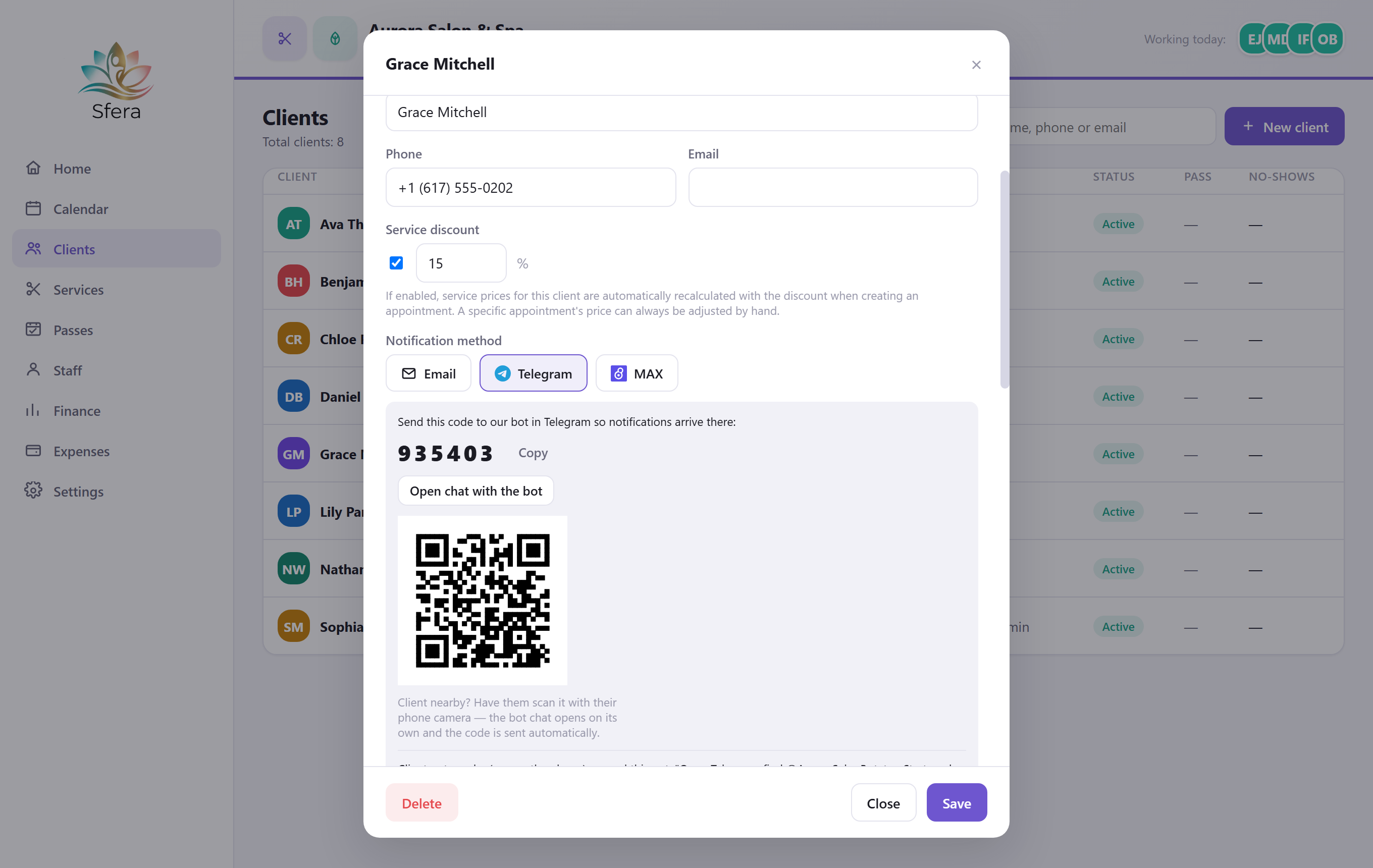
Email, Telegram, or MAX — your choice for each client and each staff member. Connecting Telegram or MAX takes one QR code, no manual bot search.
Every screen you'll actually work in day to day.
Dashboard
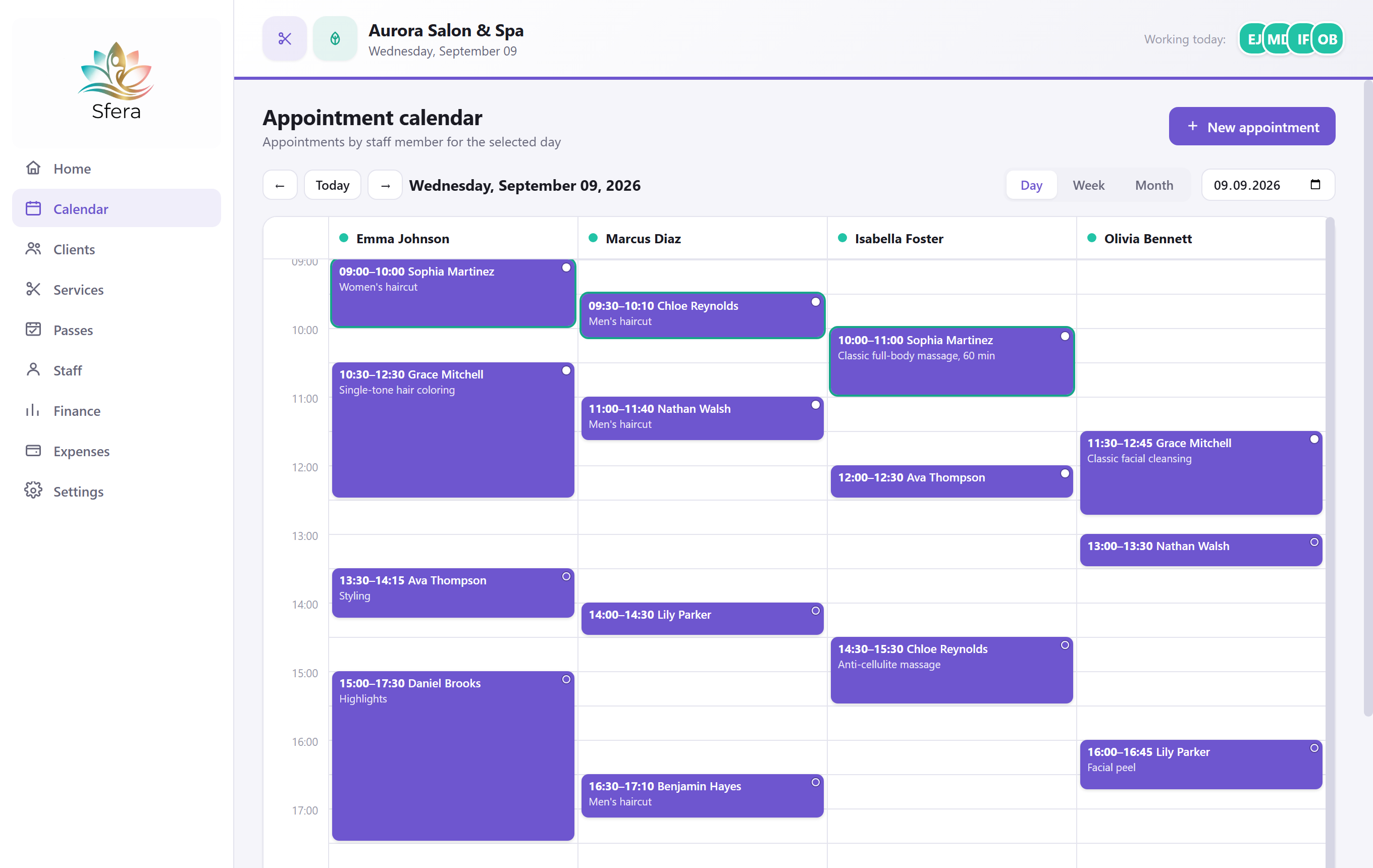
Calendar
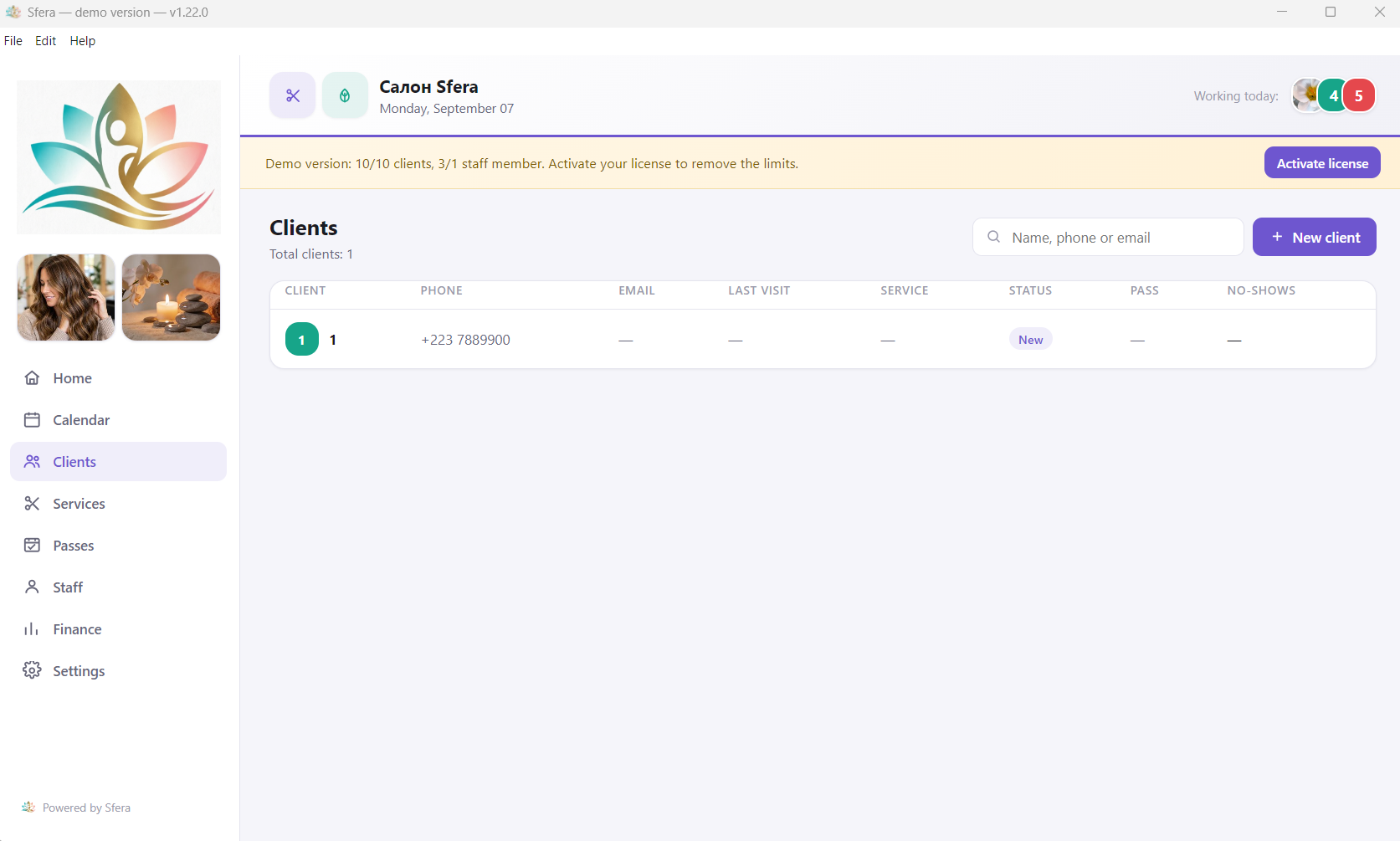
Clients
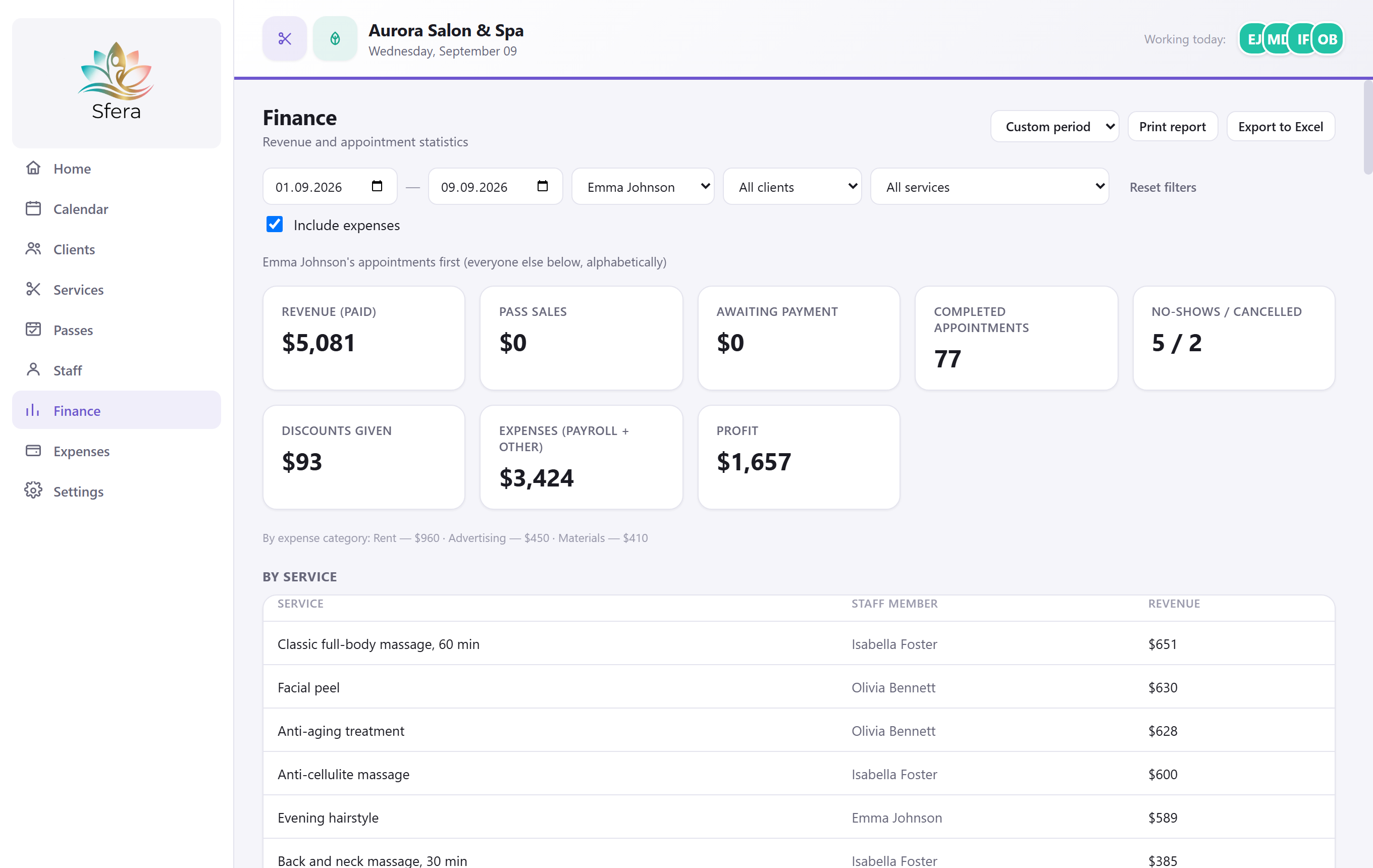
Finance
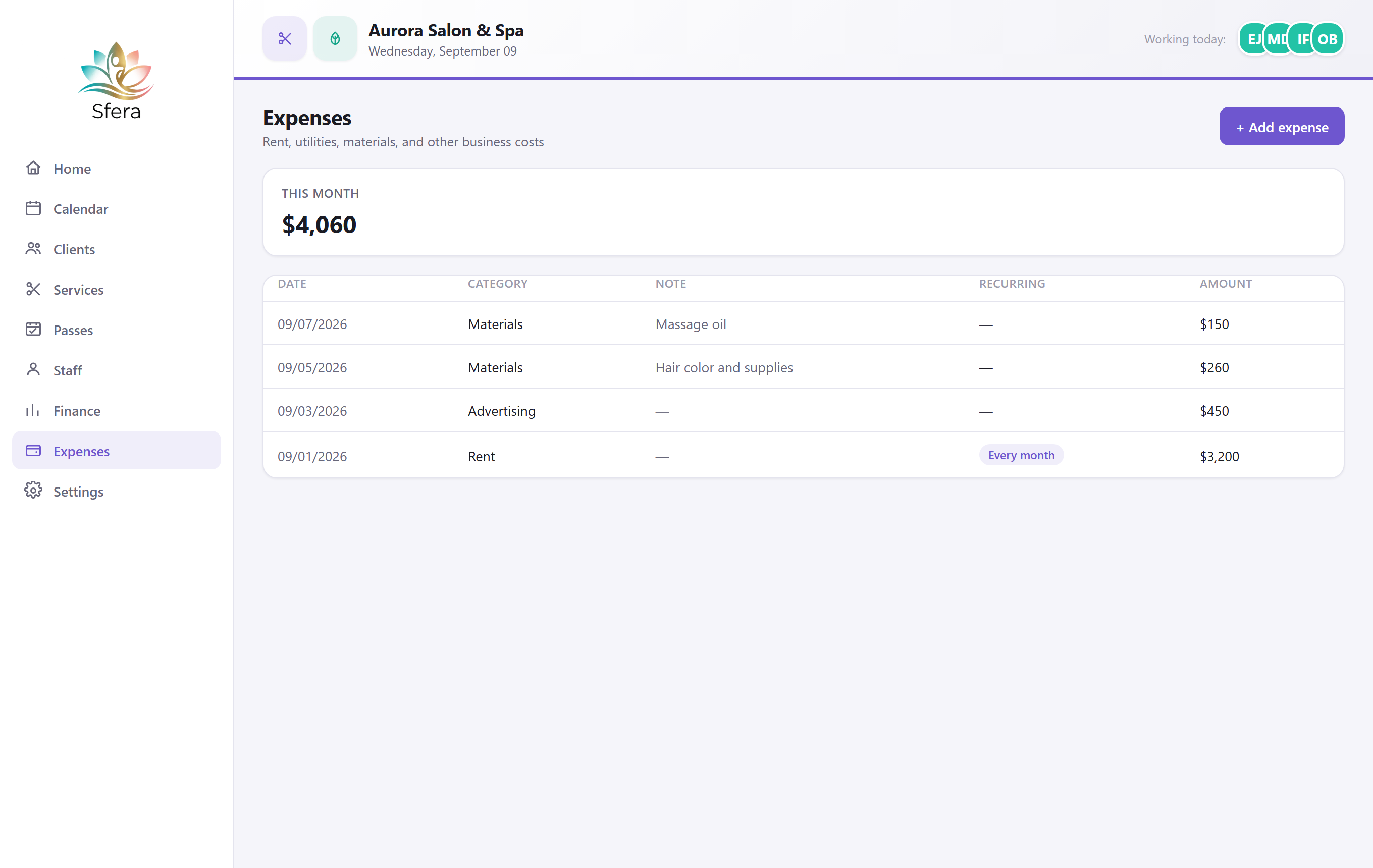
Expenses
22 categories across salons, spa & massage, fitness, pools, and dental clinics — pick your business type and the matching services are added automatically. Fully editable afterward.
Click a category to see the full service list.
$57 as a one-time payment for a single-computer license — no subscription, no monthly fees. All future updates are free.
Yes, the demo mode is free to download and use with no time limit — up to 10 clients and 1 staff member. Buying a license removes those limits.
The main difference is the one-time payment. Most salon software charges a monthly subscription; Sfera is installed once on your computer and keeps working without an internet connection or recurring fees.
Sfera supports several business types at once — salon, spa, fitness club, massage studio, pool, or dental clinic — and automatically loads a matching service catalog for each on first launch.
Yes. Sfera is a regular Windows desktop app and stores your data locally. An internet connection is only needed for the public online-booking page your clients use.
Yes — international cards, PayPal, and crypto are accepted through the checkout. The activation key arrives automatically right after payment, no reinstall needed.
Settings let you set a PIN — then revenue on the dashboard and the Finance section are visible only to those who know it, and access locks automatically after a set period of inactivity.
Importing clients from an Excel/CSV file is built into the app for free and works with exports from most CRMs, including DIKIDI and YCLIENTS. If you'd rather not deal with it yourself, reach out through the app's own contact option (Help → About) and send us your file — we'll prepare it and migrate your data for you. One-time fee: $20, regardless of how many clients you have, handled entirely remotely.
 Sfera
Sfera